
Templating
This is where Image Colors really shines! Once your colors are extracted, you have a rich, fully-typed data model at your fingertips in Twig -- and it's an absolute joy to work with.
Accessing Color Data
Every asset with an Image Colors field exposes a PaletteCollection object through the field handle you chose during setup.
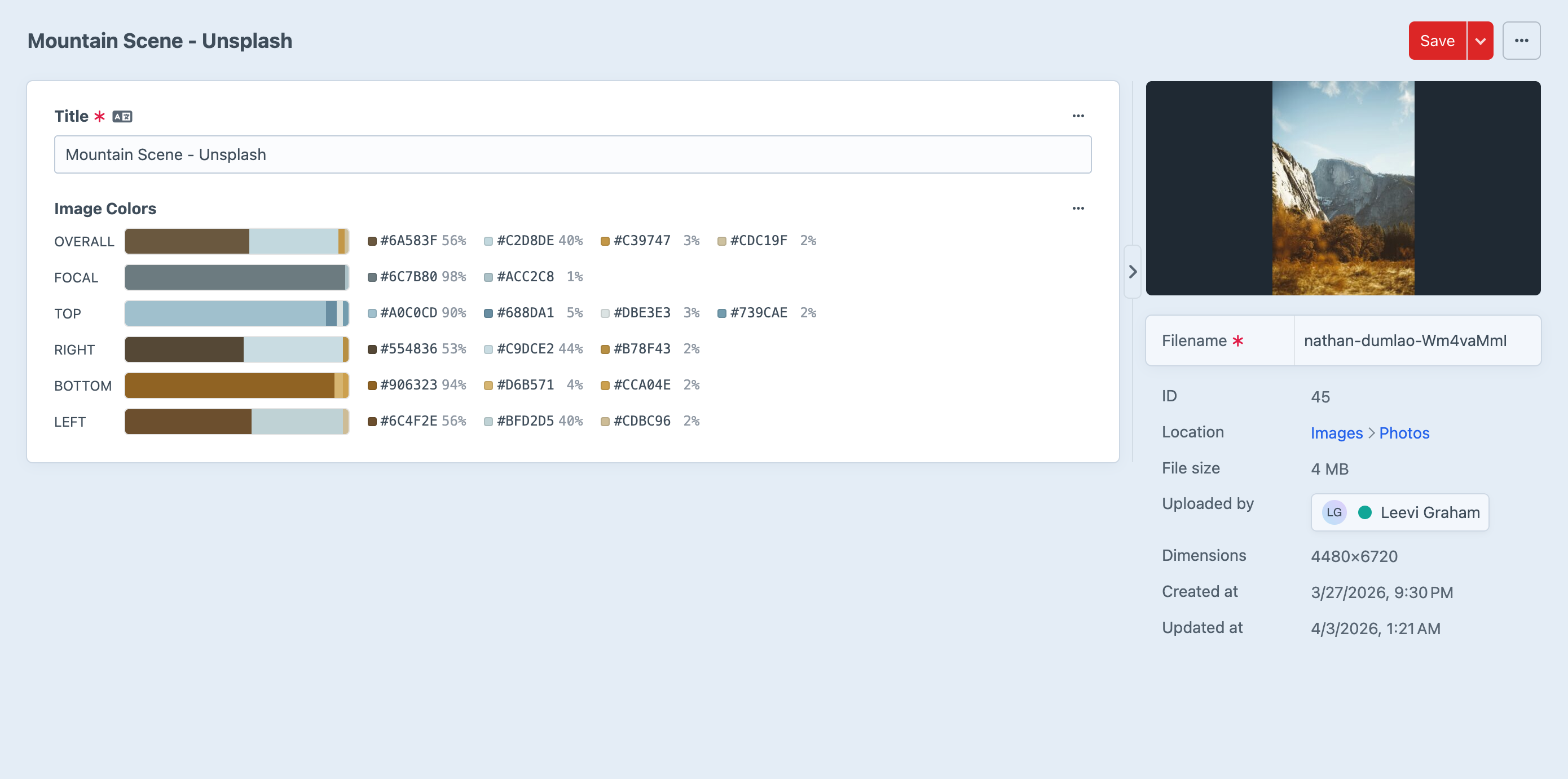
Access it in your templates like this:
{{ asset.myImageColorField }}That single expression gives you access to six region palettes, each packed with up to four dominant colors, complete with hex values, RGB components, weights, and Craft's own ColorData utilities. Let's dig in!
Examples
Get the dominant color
The simplest and most common use case -- grab the single most prominent color from the full image:
{% set primary = asset.myImageColorField.get('overall').first %}
<div style="background: {{ primary.hex }}">{{ primary.hex }}</div>
That's it! One line to get a beautiful, image-derived color onto your page.
Loop through all colors in a region
Want to render a full palette? Loop through every extracted color in a region:
{% set palette = asset.myImageColorField.get('overall') %}
{% if palette %}
    {% for color in palette %}
        {{ color.hex }} — {{ color.percentage }}%
    {% endfor %}
{% endif %}
Each region can contain up to 4 colors sorted by dominance, so you'll always get the most visually significant colors first.
Use Craft's ColorData utilities
Here's where things get really fun. Every Color object exposes a colorData property that gives you a full instance of Craft's built-in ColorData model -- unlocking HSL, luma, individual RGB channels, and more:
{% set color = asset.myImageColorField.get('top').first %}
{{ color.colorData }}                 {# #C7BA21 #}
{{ color.colorData.getHex() }}        {# #C7BA21 #}
{{ color.colorData.getRgb() }}        {# rgb(199,186,33) #}
{{ color.colorData.getHsl() }}        {# hsl(55,72%,45%) #}
{{ color.colorData.getLuma() }}        {# 0.70 #}
{{ color.colorData.getHue() }}        {# 55 #}
{{ color.colorData.getSaturation() }} {# 72 #}
{{ color.colorData.getLightness() }}  {# 45 #}
{{ color.colorData.getRed() }}        {# 199 #}
{{ color.colorData.getGreen() }}      {# 186 #}
{{ color.colorData.getBlue() }}       {# 33 #}
TIP
color.colorData is an instance of Craft's built-in ColorData model. You get the full power of Craft's color utilities without any extra work!
Usage Inspiration
This is where Image Colors gets truly exciting -- use extracted region colors to create dynamic, image-aware designs that feel effortlessly cohesive.
For example, use the bottom region's dominant color as a card background. Because it's sampled directly from the lower edge of the image, it naturally complements the photo and creates a seamless visual transition from image to content area.
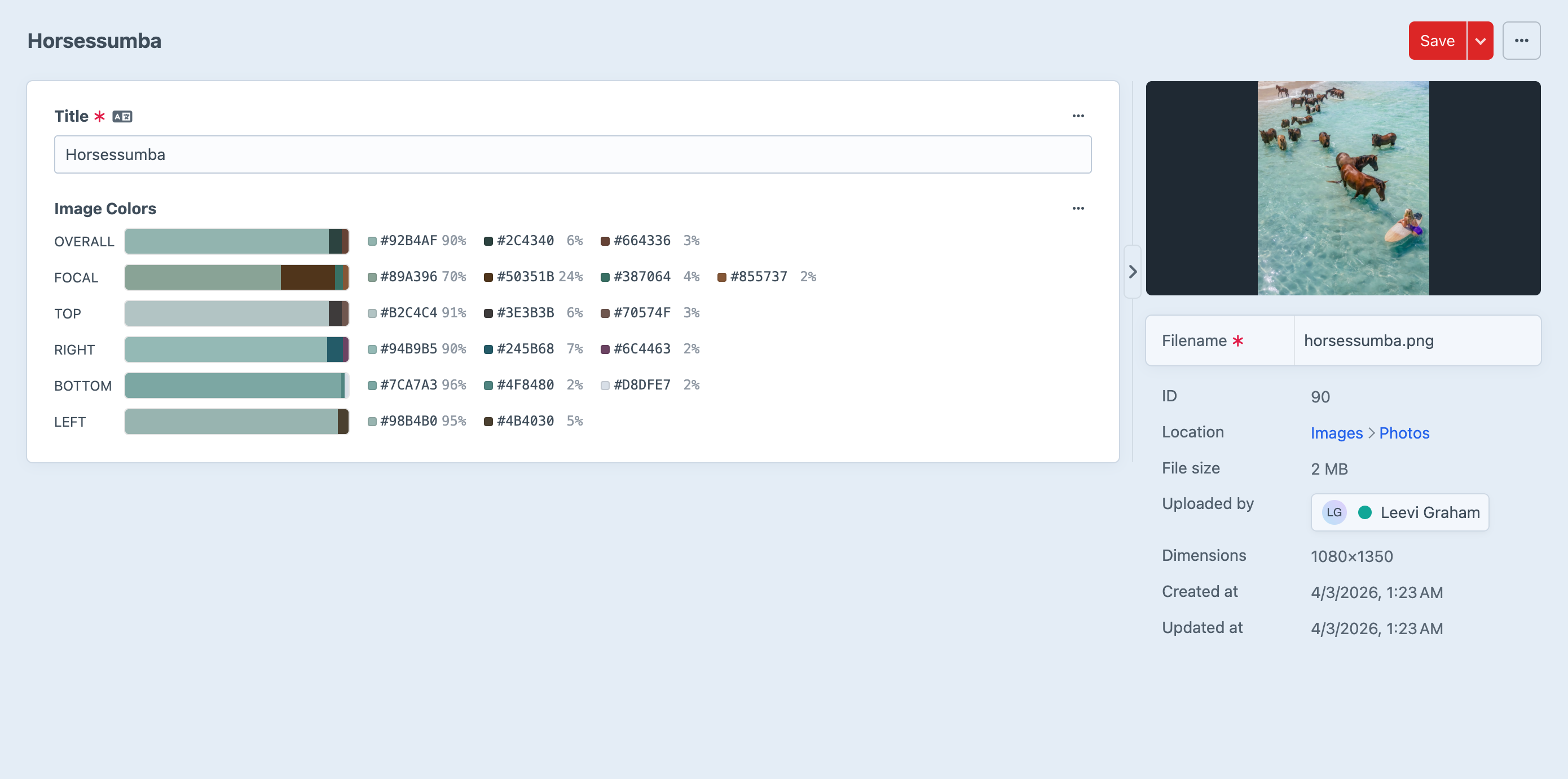
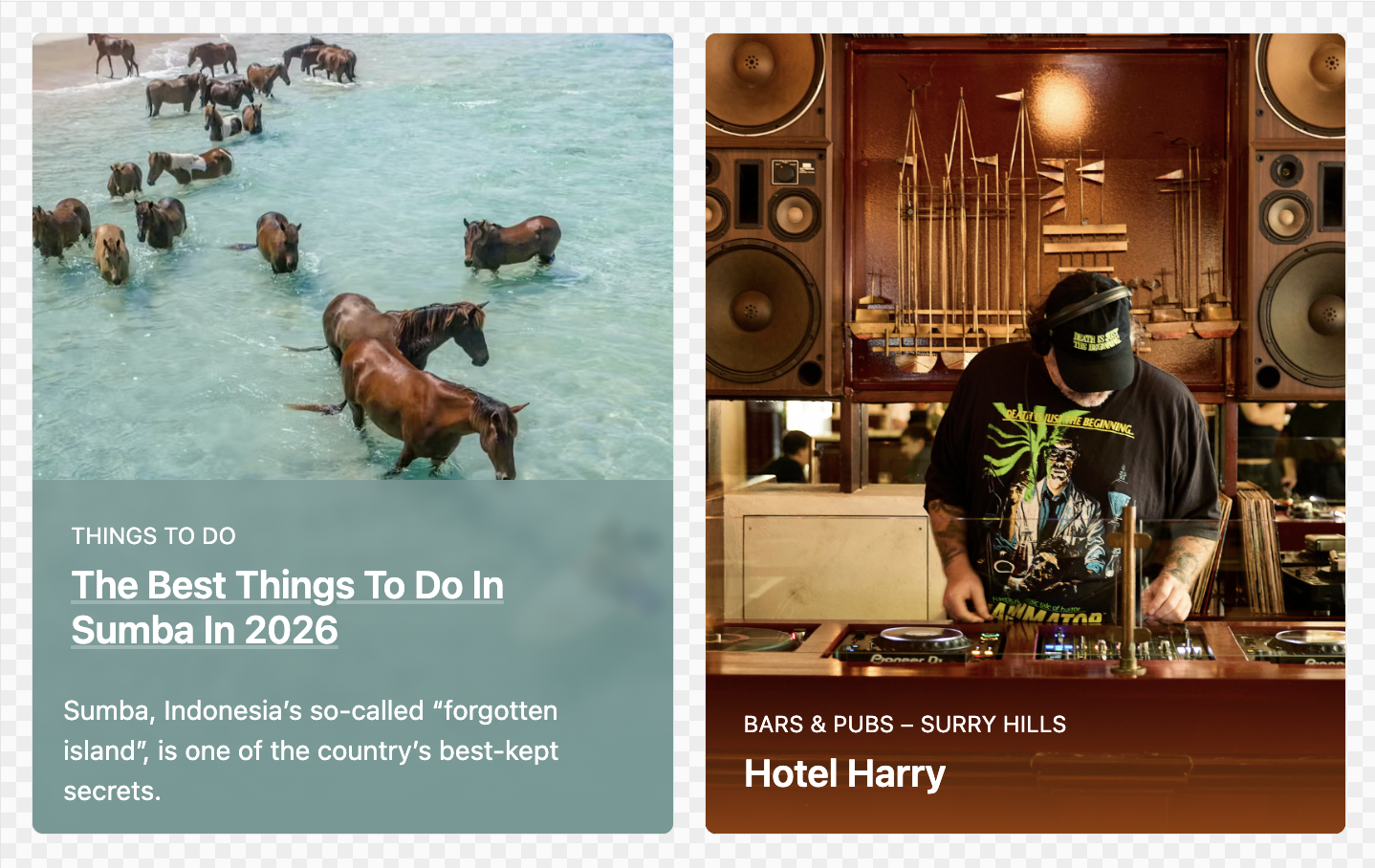
The possibilities are endless: adaptive hero sections, dynamic text colors based on luma, gradient overlays derived from left-to-right regions, themed navigation bars using the top strip -- go wild!
Data Model
PaletteCollection
The top-level object returned by the field. It's a collection of Palette objects keyed by region name, plus optional focal point metadata.
| Property / Method | Type | Description |
|---|---|---|
focalPoint | ?array | ['x' => float, 'y' => float] |
get('regionName') | ?Palette | Get a palette by region name |
{% set palettes = asset.myImageColorField %}
{% set overall = palettes.get('overall') %}
{% set focalX = palettes.focalPoint.x ?? 0.5 %}
Available Regions
Six palettes are extracted per image, each containing up to 4 colors sorted by weight:
| Region | Description |
|---|---|
overall | Full image |
focal | 15% region centred on the asset's focal point |
top | Top 15% strip |
right | Right 15% strip |
bottom | Bottom 15% strip |
left | Left 15% strip |
TIP
The focal region automatically re-extracts when you change an asset's focal point in the control panel -- so your templates always reflect the current point of interest!
Palette
An ordered collection of Color objects for a single region, sorted by weight descending. Each palette contains up to 4 colors; colors below 1% weight are automatically excluded to keep your data clean and meaningful.
| Method | Returns | Description |
|---|---|---|
first | ?Color | The dominant color |
last | ?Color | The least dominant color |
count | int | Number of colors (1--4) |
all() | Color[] | All colors as an array |
{% set palette = asset.myImageColorField.get('bottom') %}
{% if palette is not empty %}
    Dominant: {{ palette.first.hex }} ({{ palette.first.percentage }}%)
    {{ palette.count }} colors extracted
{% endif %}
Color
A single extracted color with its hex value, RGB components, and extraction weight. This is the workhorse of your templates!
| Property | Type | Example | Description |
|---|---|---|---|
hex | string | #C7BA21 | Hex color value |
rgb | int[] | [199, 186, 33] | RGB array [r, g, b] |
weight | float | 0.39 | Proportion of sampled pixels (0--1) |
percentage | float | 39 | Weight as a rounded percentage |
colorData | ColorData | Craft's ColorData instance for HSL, luma, and RGB utilities |
The colorData property is lazily initialized, so there's zero overhead if you only need hex or rgb. But when you do reach for it, you get the full suite of Craft color utilities -- HSL conversions, luma calculations, individual channel access -- all from a single extracted color. It's genuinely delightful to use in templates!
Null Safety
Color data may be empty for non-image assets, SVGs, or images that are still being processed in the queue. Always guard your templates:
{% if asset.myImageColorField is not empty %}
    {{ asset.myImageColorField.get('overall').first.hex }}
{% endif %}
This keeps your front-end rock-solid no matter what kind of asset comes through.