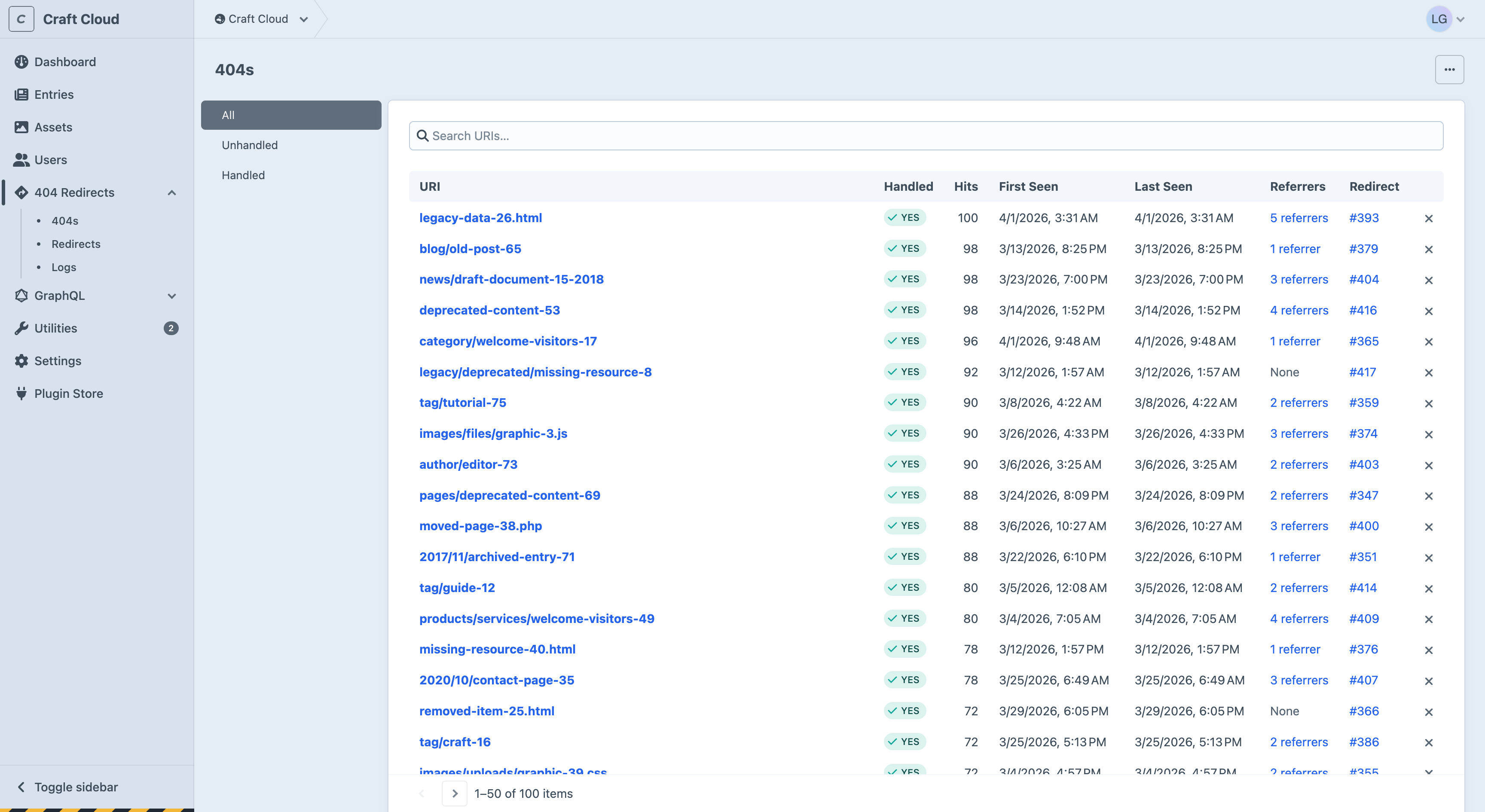
🔍404 MonitoringEvery 404 is captured at the end of the request lifecycle, after Craft's routing has already failed. Hit counts, timestamps, and handled status give you full visibility into broken links.

🔀404 RedirectsResolve captured 404s with exact match, named parameters, or pure regex. Supports entry destinations, 410 Gone, and fast 404 text responses for bot traffic.
✨Native Craft 5.x UIBuilt entirely with native Craft components. No custom widgets, no third-party frameworks. Fast, familiar, and consistent with the rest of your control panel.
🔗Referrer TrackingKnow exactly where broken links come from. Multiple referrers are tracked per 404 with individual hit counts, so you can prioritise fixes based on traffic source.
📊Dashboard WidgetsThree widget types (latest/top 404s table, trend chart, and handled/unhandled coverage chart) so you can monitor 404 activity from your dashboard.
⚡Auto-RedirectsWhen editors move entries or update URLs, redirects are created automatically with chain flattening. No manual work needed.
📋Entry SidebarView and manage all incoming redirects directly from the entry editor sidebar. See what old URLs point at your content without leaving the page.
📦Export, Import DataExport 404s and redirects as CSV or JSON at any time. Migrate from Retour via console command or control panel. Your data is always accessible.
🛠️Developer APIGraphQL queries, comprehensive console commands, and configurable pipeline events for custom 404 handling logic.